

Posted on July 22, 2023 by Mahamodul Hasan Khan
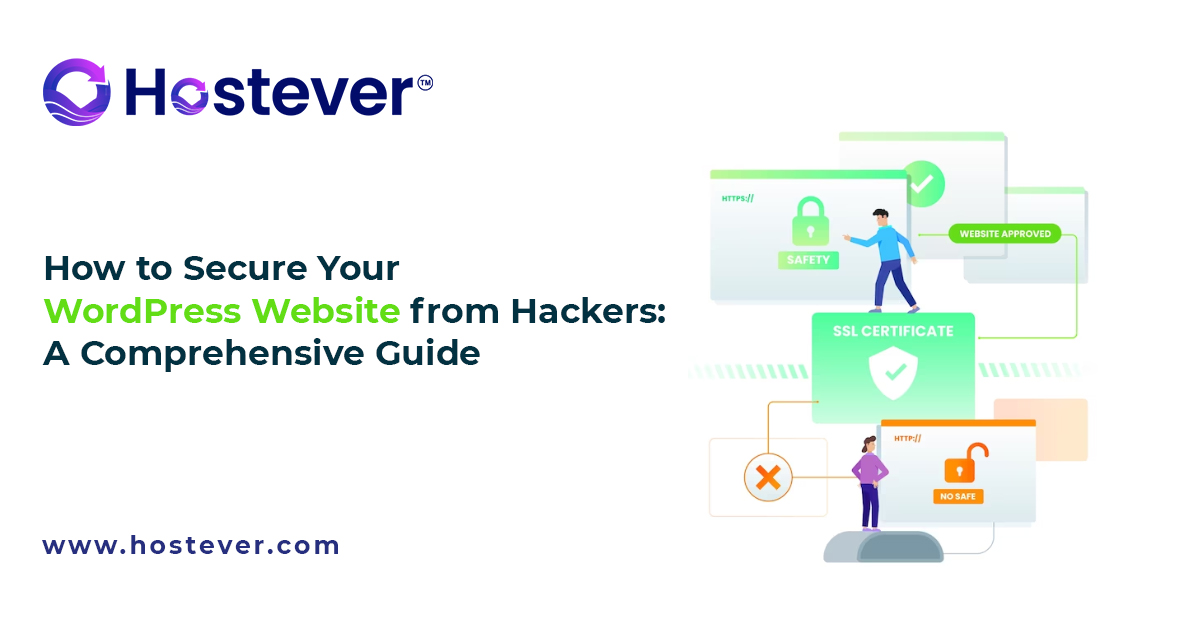
How to Secure Your WordPress Website from Hackers: A Comprehensive Guide
Introduction
WordPress is a widely-used and popular content management system, powering millions of websites around the globe. However, its popularity also makes it an attractive target for hackers. Securing your WordPress website is essential to protect your data, maintain your site’s reputation, and ensure the safety of your visitors. In this article, we’ll explore various strategies and best practices to fortify your WordPress website against potential cyber threats.
Keep Everything Updated:
Regularly updating your WordPress installation, themes, and plugins is vital for maintaining security. Developers release updates to address known security vulnerabilities and fix bugs that hackers might exploit. Outdated software can become a gateway for attackers to gain unauthorized access to your site. To stay on top of updates, enable automatic updates where possible and manually check for updates in the WordPress dashboard at least once a week.
Use Strong Passwords:
Weak passwords are one of the most common reasons for successful hacking attempts. Hackers often use brute-force attacks to guess passwords by trying various combinations. Create strong passwords that are long and complex, combining uppercase and lowercase letters, numbers, and special characters. Avoid using easily guessable information, such as your name, birthdate, or common words. Using a password manager to generate and store unique passwords for different accounts can greatly enhance security.
Limit Login Attempts:
Brute-force attacks involve repeated login attempts using automated tools. By limiting the number of login attempts, you can significantly reduce the chances of such attacks being successful. Install a plugin that restricts login attempts from the same IP address and temporarily blocks access after a certain number of failed attempts. This will discourage hackers from trying to crack your passwords.
Enable Two-Factor Authentication (2FA):
Two-Factor Authentication adds an extra layer of protection to your login process. In addition to entering their password, users will need to provide a one-time code sent to their mobile device. Even if the password is compromised, 2FA makes it extremely difficult for attackers to gain unauthorized access. Many plugins are available to enable 2FA on your WordPress website.
Protect the wp-config.php File:
The wp-config.php file contains sensitive information, including your database credentials. Hackers target this file to gain control over your website. Move the wp-config.php file to a directory outside the root folder or use server-side configurations (like .htaccess) to restrict access to it. This way, even if there is a security breach, the critical information in this file remains safe.
Secure File Permissions:
File permissions determine who can read, write, or execute files on your server. Incorrect permissions can allow unauthorized access or modification of your website’s files. Set the appropriate permissions for directories (usually 755) and files (usually 644). Only grant write access to directories and files that require it.
Implement SSL Encryption:
Secure Socket Layer (SSL) certificates encrypt data transmitted between your website and its visitors, ensuring secure communication. This is especially crucial if your website handles sensitive information, such as login credentials or payment details. Install an SSL certificate to enable HTTPS on your site, and ensure that all data is transmitted securely.
Regular Backups:
Regularly backing up your WordPress website is essential for disaster recovery. If your website gets hacked or compromised, having a recent backup will allow you to restore it to a previous secure state. Use reliable backup plugins to automate the process and store backups on secure external servers or cloud storage.
Install a Web Application Firewall (WAF):
A Web Application Firewall serves as a barrier between your website and potential threats. It filters incoming traffic, blocking malicious requests and known attack patterns. Both cloud-based and on-site WAF solutions are available. A well-configured WAF can significantly enhance your website’s security.
Choose Reputable Themes and Plugins:
Third-party themes and plugins from untrusted sources may contain vulnerabilities that hackers can exploit. Always download themes and plugins from reputable repositories, such as the official WordPress.org repository or well-known developers. Regularly update themes and plugins to ensure you have the latest security patches.
Disable XML-RPC if Not Required:
XML-RPC allows remote access to your website and is used by some apps and services for specific functionalities. However, it can be a target for hackers to launch attacks like DDoS or brute-force attacks. If you don’t use XML-RPC, consider disabling it to reduce potential risks.
Change the Default “admin” Username:
During the WordPress installation process, the default username “admin” is created automatically. This makes it easier for attackers to guess the login username and focus on cracking the password. Create a new administrator account with a unique username, and then delete the default “admin” account to minimize this risk.
Conclusion:
Securing your WordPress website is a continuous process that requires attention to detail and proactive measures. By implementing the strategies discussed above, you can significantly reduce the risk of falling victim to hackers and ensure the safety of your website and its visitors. Regularly update your software, enforce strong passwords and implement Two-Factor Authentication. Protect crucial files, secure communications with SSL, and regularly back up your site. Consider using a Web Application Firewall and only use reputable themes and plugins. Be diligent in maintaining security, and your WordPress website will be better protected from potential cyber threats. Stay informed about the latest security practices and developments in the WordPress community to ensure that you are well-prepared against emerging threats.